Best AI Tools in 2026
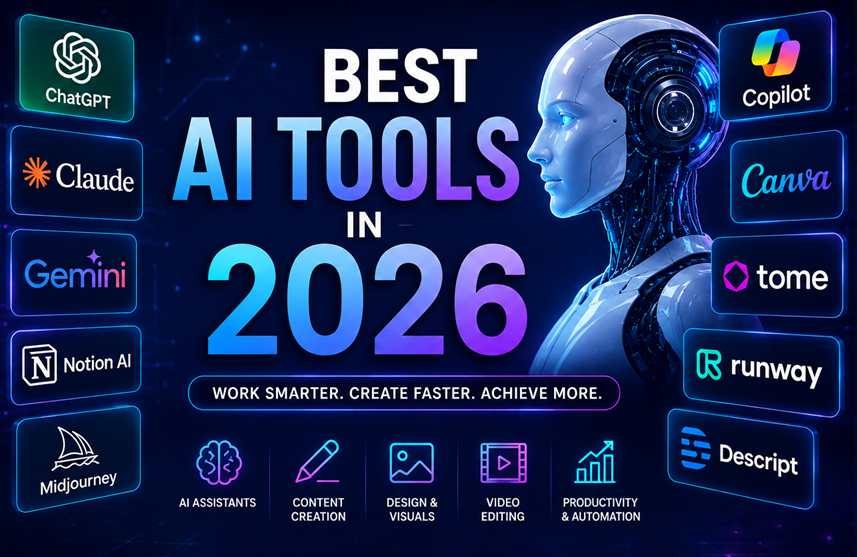
Artificial intelligence has become an essential part of everyday work in 2026. From writing and research to graphic design, video production, coding, and business automation, AI tools are helping individuals and companies save time and work more efficiently.With hundreds of AI tools available, choosing the right one can be difficult. In this guide, we look at some of the best AI tools in 2026 and what they are best suited for.
1. ChatGPT – Best All-Round AI Assistant
ChatGPT is one of the most versatile AI tools available. It can help with writing, brainstorming, research, coding, data analysis, content creation, and everyday tasks.
Best for:
- Writing and editing
- Research and brainstorming
- Coding assistance
- Business tasks
- Data analysis
- Creating content
Why use it: It works as an all-purpose AI assistant for both personal and professional tasks.
2. Claude – Best for Writing and Long Documents
Claude is particularly useful for working with long documents, detailed instructions, analysis, and professional writing.
Best for:
- Long-form writing
- Document analysis
- Summarizing information
- Business communication
- Coding and reasoning
Why use it: Its ability to understand large amounts of text makes it useful for professionals working with reports, documents, and research.
3. Google Gemini – Best for Google Ecosystem
Gemini is Google's AI platform and is useful for users who already rely heavily on Google services.
Best for:
- Research
- Writing
- Productivity
- Image and multimodal tasks
- Working with Google services
Why use it: Its integration with Google's ecosystem can make everyday productivity tasks easier.
4. Microsoft Copilot – Best for Microsoft Users
Microsoft Copilot brings AI assistance into Microsoft's productivity ecosystem and can be particularly useful for businesses using Microsoft 365.
Best for:
- Office productivity
- Business tasks
- Emails and documents
- Presentations
- Data and workplace assistance
Why use it: It can help users work more efficiently with familiar Microsoft applications.
5. Midjourney – Best for AI Images
Midjourney is a popular choice for creating visually impressive AI-generated images from text prompts.
Best for:
- Marketing graphics
- Concept art
- Creative images
- Social media visuals
- Advertising ideas
Why use it: It can turn simple descriptions into highly detailed visual concepts.
6. Canva AI – Best for Easy Graphic Design
Canva combines traditional design tools with AI-powered features, making it suitable for people who don't have professional graphic-design experience.
Best for:
- Social media posts
- Presentations
- Posters
- Marketing materials
- Blog graphics
- Business designs
Why use it: You can create professional-looking designs without needing advanced design skills.
7. Runway – Best for AI Video Creation
Runway focuses on AI-powered video generation and editing. It can help creators produce video content using text, images, and other creative inputs.
Best for:
- Marketing videos
- Social media videos
- Creative projects
- Video effects
- AI-generated scenes
Why use it: It can significantly reduce the time required to create certain types of video content.
8. Perplexity – Best for AI-Powered Research
Perplexity is designed around AI-assisted search and research. It can provide answers to questions while showing sources that users can explore further.
Best for:
- Online research
- Finding information
- Comparing topics
- Research summaries
- Exploring new subjects
Why use it: It can be useful when you want a quick starting point for research rather than browsing many pages manually.
9. Notion AI – Best for Productivity
Notion AI combines AI capabilities with notes, documents, project management, and knowledge management.
Best for:
- Meeting notes
- Project planning
- Content organization
- Summarization
- Team documentation
Why use it: It brings AI assistance directly into your workspace and existing notes.
10. GitHub Copilot – Best for Developers
GitHub Copilot is designed to assist software developers with coding. It can help generate code, explain code, suggest solutions, and speed up development tasks.
Best for:
- Software development
- Code completion
- Debugging assistance
- Code explanations
- Learning programming
Why use it: Developers can spend less time on repetitive coding tasks and more time solving larger problems.
How to Choose the Best AI Tool
The best AI tool depends on what you want to accomplish.
| Need | Recommended AI Tool |
|---|---|
| General AI assistant | ChatGPT |
| Long-form writing | Claude |
| Google productivity | Gemini |
| Microsoft productivity | Copilot |
| AI image generation | Midjourney |
| Graphic design | Canva AI |
| AI video creation | Runway |
| Research | Perplexity |
| Productivity & notes | Notion AI |
| Coding | GitHub Copilot |
Benefits of Using AI Tools in 2026
AI tools can provide several advantages for individuals and businesses:
-
Save time by automating repetitive tasks
-
Improve productivity by assisting with everyday work
-
Generate ideas for content, marketing, and business
-
Reduce manual work in writing and data processing
-
Support creativity through image, video, and design generation
-
Assist developers with coding and debugging
-
Improve research by quickly organizing information
Final Thoughts
The best AI tool isn't necessarily the one with the most features. It is the tool that fits your specific needs and workflow.In 2026, AI has moved beyond simple chatbots. Businesses and individuals can now use AI for writing, research, design, coding, video production, productivity, and automation.Instead of trying to use every AI tool available, start with one or two that solve your biggest problems and gradually build an AI-powered workflow around them.